Recreate Someone on "Dollify" w/ Hattieq
Use the Dollify app with Hattieq to recreate a friend or family member with permission, practicing observation, color choices, and digital design skills.
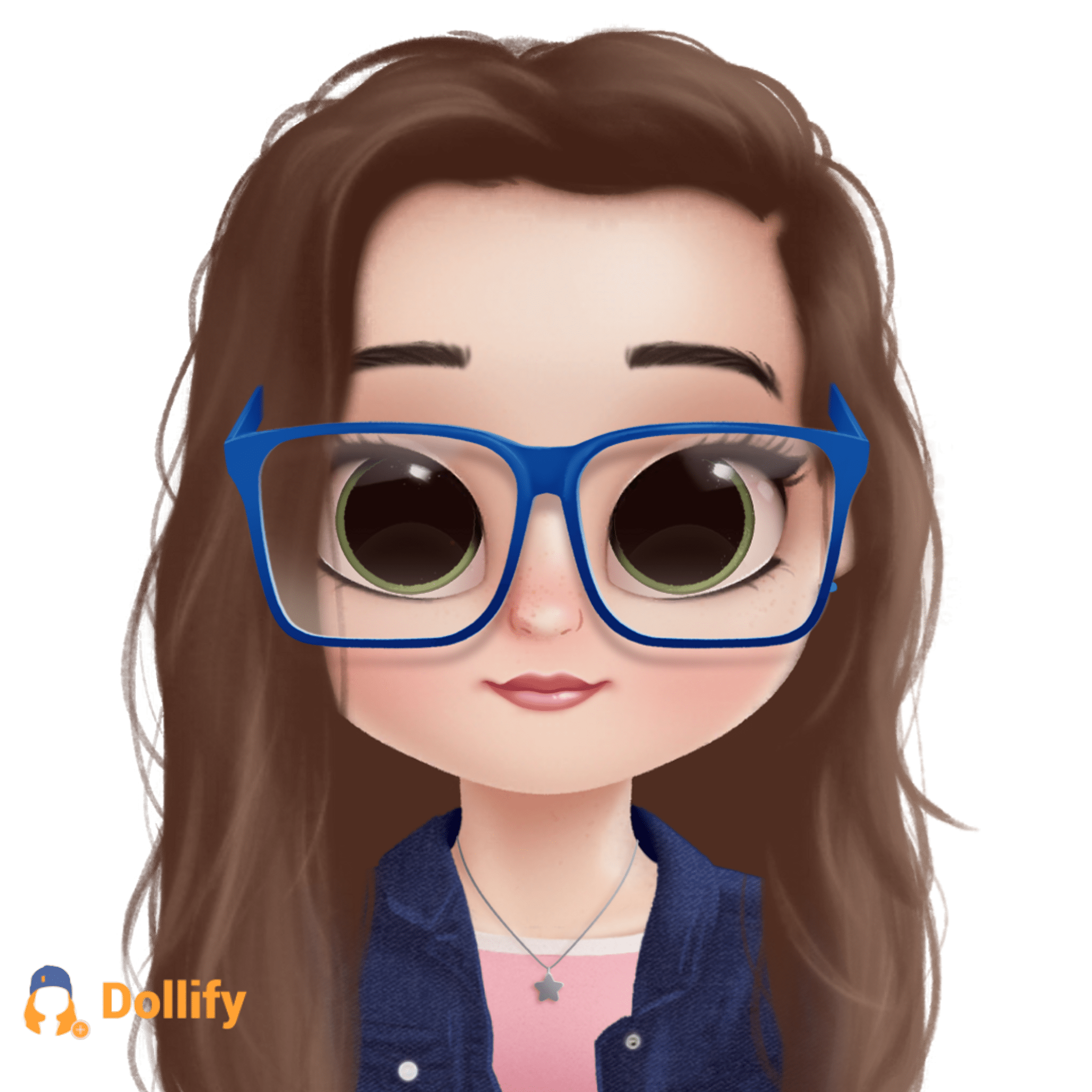
About this activity
Use the Dollify app with Hattieq to recreate a friend or family member with permission, practicing observation, color choices, and digital design skills.
What you need
Step by step
- 1
Step 1
Ask the friend or family member for permission to recreate them in the Dollify app.
- 2
Step 2
Get a clear front-facing photo of the person or ask them to sit still so you can see their features.
- 3
Step 3
Open the Dollify app on your device.
- 4
Step 4
Start a new doll or character in the app.
- 5
Step 5
Look closely at the photo and choose the three most important features you want to match like hair eyes or outfit color.
- 6
Step 6
Select the skin tone that matches the person in the photo.
- 7
Step 7
Choose the hairstyle and hair color that look most like the person.
- 8
Step 8
Pick the eye shape and eye color that match the person.
- 9
Step 9
Choose the eyebrows nose and mouth that most resemble the person.
- 10
Step 10
Add clothing and accessories that match the person’s style.
- 11
Step 11
If you have Hattieq apply its style or preset to your doll according to Hattieq instructions.
- 12
Step 12
Inspect your doll closely and make one small tweak to improve how it looks.
- 13
Step 13
Save or export your finished doll inside the app.
- 14
Step 14
With the person’s permission and adult help if needed share your finished Dollify creation on DIY.org.
Fun facts
How do I recreate someone using the Dollify app with Hattieq?
Ask the person’s permission and choose a clear reference photo. Open Dollify and select a base character, then use Hattieq features to match face shape, skin tone, hair, eyes, and clothing. Zoom in to compare small details, adjust sliders and color picks, and add accessories. Save frequently and export or share the finished avatar only with permission. Talk about design choices to practice observation and describing features.
What materials do I need to recreate someone in Dollify with Hattieq?
You’ll need a smartphone or tablet with the Dollify app installed and any Hattieq packs or in-app items you plan to use. Have a clear reference photo of the person (with their permission), a charged device, and optional stylus for finer control. An internet connection may be required to download assets. A comfortable, well-lit workspace helps kids see colors and details accurately.
What ages is this Dollify + Hattieq activity suitable for?
This activity suits children roughly ages 6–14. Younger kids (6–8) benefit from adult help with reading menus and making fine adjustments; older children (9–14) can work more independently and explore color and style choices. Supervision is recommended for account setup, in-app purchases, and sharing images online. Tailor guidance to each child’s digital skills and attention span.
What are the benefits of recreating someone in Dollify using Hattieq?
Recreating a person encourages careful observation, color recognition, and decision-making about facial features and style. It builds digital design skills like layering, color matching, and using app tools, while promoting empathy when copying a friend or family member respectfully. The activity also supports fine motor control and vocabulary for describing people. Always emphasize permission, privacy, and limiting screen time for a balanced experience.
Watch & Learn
Need help?
What can we use if the Dollify app or Hattieq is unavailable?
If Dollify or Hattieq isn't available, use a similar avatar app like Avatoon or Bitmoji or hand-draw the doll using the clear front-facing photo as your reference and follow the same steps for choosing skin tone, hair, and outfit.
My friend kept moving so the photo is blurry; how can I still recreate them?
Retake a clear front-facing photo in good lighting and ask them to sit still or use burst mode or pause a short video to capture a still image you can use when selecting skin tone, hair, and facial features in Dollify.
How can I adapt this activity for different age groups?
For younger kids, have an adult or friend help pick the three most important features and tap options in Dollify, while older kids can use Hattieq presets, fine-tune brows/eyes, and make the one small tweak before exporting to DIY.org.
How can we personalize or extend our finished Dollify creation?
Personalize by adding matching accessories and outfit colors in Dollify, applying a Hattieq style or preset, then export the image to print on a card or post with a short story on DIY.org while keeping the original photo with permission for comparison.