Give your Pets a Makover, Digitally - Style Their Shoes
Use a photo or drawing app to design colorful, safe shoe styles for your pet, experimenting with patterns, colors, and textures on-screen.
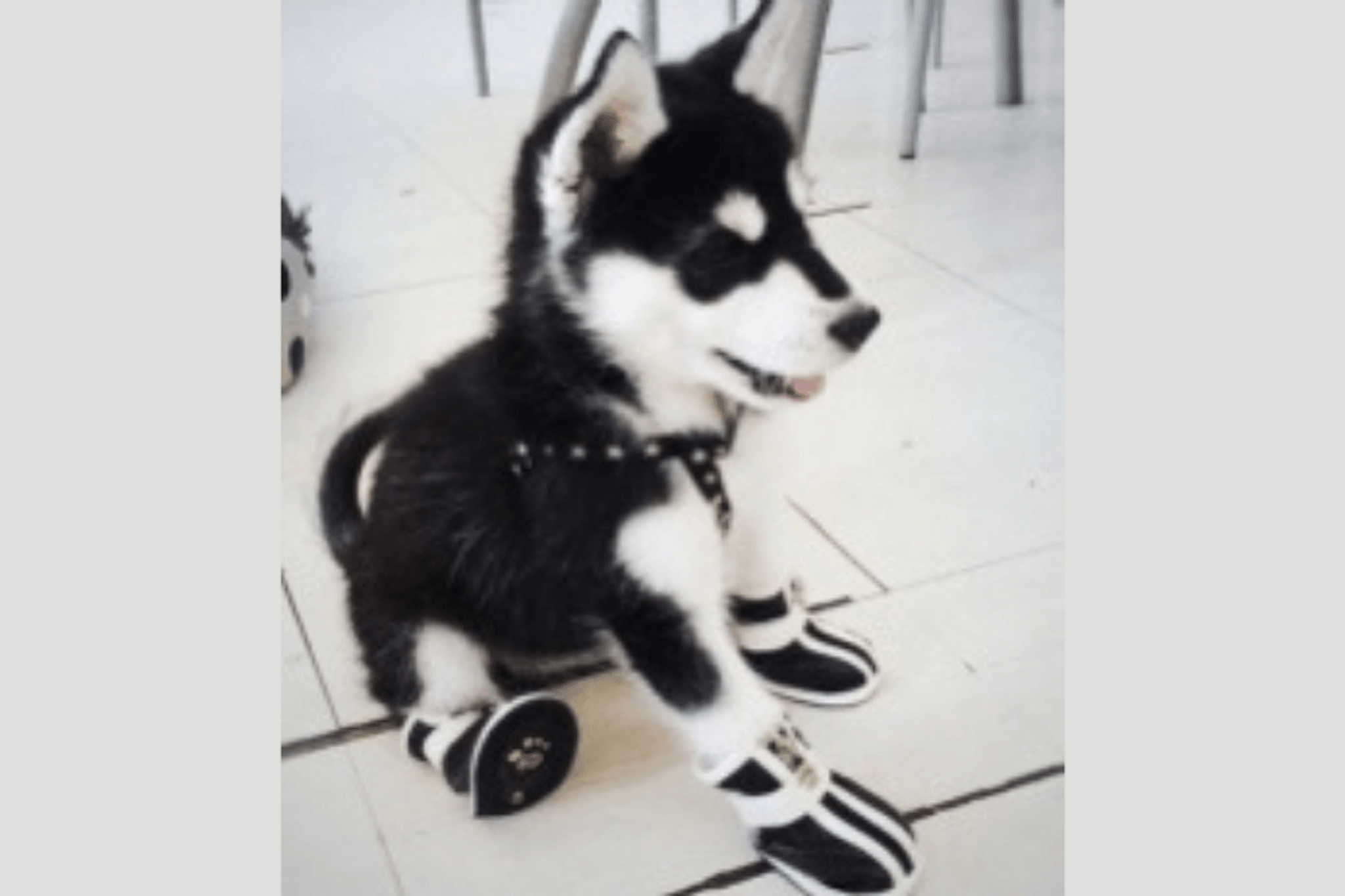
About this activity
Use a photo or drawing app to design colorful, safe shoe styles for your pet, experimenting with patterns, colors, and textures on-screen.
What you need
Step by step
- 1
Step 1
Open your photo or drawing of your pet inside the photo or drawing app.
- 2
Step 2
Create a new transparent layer above the picture for your shoe designs.
- 3
Step 3
Zoom in on one paw so you can see details clearly.
- 4
Step 4
Use the brush tool to sketch a simple shoe outline around the paw on the new layer.
- 5
Step 5
Duplicate the shoe outline layer and move the copies onto the other paws so sizes match.
- 6
Step 6
Pick a base color and fill each shoe shape on the design layer.
- 7
Step 7
Use a pattern brush or stamp to add fun patterns or textures to the shoes.
- 8
Step 8
Draw a non-slip sole pattern under each shoe so they are safe for walking.
- 9
Step 9
Add a bright reflective stripe or patch to each shoe for extra safety.
- 10
Step 10
Draw a fastening detail like Velcro straps or laces on each shoe.
- 11
Step 11
Tidy up edges and erase any color that goes outside the shoe lines.
- 12
Step 12
Save and export your finished image as a picture file.
- 13
Step 13
Share your finished pet shoe makeover on DIY.org.
Fun facts
How do I give my pet a digital shoe makeover?
Start by opening a photo or drawing app and upload a clear photo of your pet’s paw or existing shoes. Create a new layer and trace the shoe outline, then experiment with colors, patterns, and textures on separate layers. Add fun details like paw-print motifs or straps, use undo to try variations, and save multiple versions. Optionally print or mock up designs on a template, and show the designs to your child for storytelling or pretend-fashion shows.
What materials do I need to style my pet’s shoes digitally?
You’ll need a tablet, smartphone, or computer with a simple photo/drawing app (like Canva, Procreate, Tayasui, or a kids’ doodle app), a clear photo of your pet’s paws or shoes, and optionally a stylus for finer control. Printable shoe templates, color palettes, and stickers or texture brushes inside the app are helpful. For safety, have adult supervision for downloads, account settings, and any printing.
What ages is this digital pet shoe activity suitable for?
This activity suits different ages: toddlers (3–5) enjoy simple finger-paint and sticker tools with an adult guiding them; early elementary kids (6–9) can use basic apps to try patterns and colors independently; older kids and teens (10–15+) can explore layers, textures, and mockups. Tailor steps and supervision to the child’s motor skills and screen-readiness, and limit screen time while encouraging creative play and talking about designs together.
What safety tips should I follow when designing or making pet shoes?
Digital designing is low-risk, but if you make real pet shoes later, choose non-toxic, pet-safe materials, avoid small decorations that can be chewed or swallowed, and ensure proper fit and flexibility so paws move naturally. Test any new footwear for short supervised periods, check for rubbing or discomfort, and consult your vet if unsure. For online sharing, blur faces and location details and get permission before posting your child’s photos.
Watch & Learn
Need help?
I don't have a photo/drawing app or access to pattern brushes—what can I substitute?
Use free desktop apps like GIMP or Krita or mobile apps like PicsArt that support layers and stamp tools, or print your photo and use tracing paper and markers to mimic the transparent layer and pattern brush steps.
When I duplicate the shoe outline layer the copies don't line up with the other paws—how can I fix that?
After duplicating the shoe outline layer, use your app's transform/scale/rotate tools to resize and skew each copy to match each paw's size and angle or place a new layer over the paw and redraw small adjustments before filling color.
How can I simplify or challenge the activity for different ages?
For younger kids, zoom in and let them use big brush strokes, simple color fills, and sticker stamps on one design layer, while older kids can add detailed layers for non-slip soles, reflective stripes, textured patterns, and export high-resolution images as in the save/export step.
What's a fun way to extend or personalize the finished pet shoe designs?
Create multiple colorway versions, animate the shoes as a short GIF or print the exported image to make paper shoe covers, and then upload and describe the reflective stripe and non-slip sole features when sharing on DIY.org.