Edit a Dog in Gacha
Edit a digital dog character in Gacha by choosing colors, outfits, accessories, and poses to practice creativity, storytelling, and basic design skills.


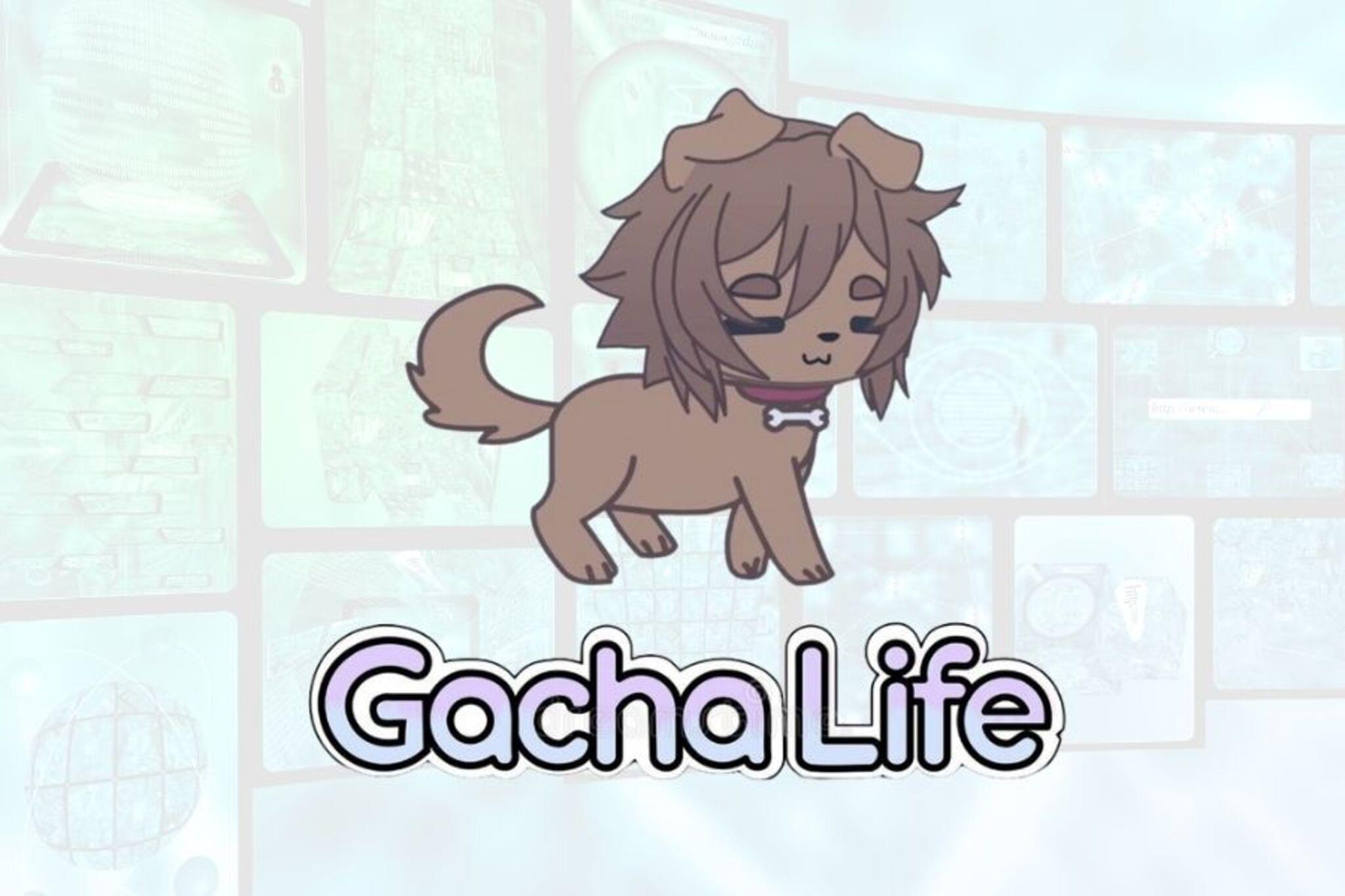

Step-by-step guide to edit a dog in Gacha
•||• Como fazer um cachorro no gacha GC •||• [Tutorial]🎨
Step 1
Open the Gacha app or Gacha editor on your device.
Step 2
Tap "Create" or "New Character" to start a fresh dog project.
Step 3
Choose the dog's base body shape or breed style.
Step 4
Select the main fur color for your dog.
Step 5
Add a fur pattern or secondary color to make the coat unique.
Step 6
Pick an outfit from the clothing menu for your dog.
Step 7
Add accessories like a collar hat or glasses.
Step 8
Choose a pose and facial expression for your dog.
Step 9
Give your dog a name.
Step 10
Write one short sentence about your dog's personality or a tiny story.
Step 11
Save or export a picture of your finished dog.
Step 12
Share your finished creation on DIY.org
Help!?
What can we use if the Gacha app or certain fur patterns aren't available?
If the Gacha app or a specific fur-pattern option is missing, use another free character-creator or a drawing app and follow the same steps—select a base body shape, pick main and secondary fur colors, add an outfit and accessories, choose a pose and expression, then save/export.
What should we do if we can't save or export the finished dog or upload it to DIY.org?
If Save/Export fails after you pick the pose, name the dog, and write the tiny story, take a clear screenshot of the finished dog and then upload that image to DIY.org while also checking app permissions and available storage.
How can this activity be adapted for different age groups?
For preschoolers, preselect the base body and main fur color and let them choose one accessory and a name; for early elementary kids, let them add the fur pattern, outfit, and write the one-sentence personality; for older kids, encourage custom color combos, layered accessories, multiple poses, and a longer backstory before saving/exporting.
How can we extend or personalize the finished dog project?
To extend the activity, make a whole pack of dogs with matching outfits and different poses, create a background scene in a drawing app, export several poses to animate a short sequence, or print the saved picture to turn it into stickers while keeping each dog's name and tiny story.
Watch videos on how to edit a dog in Gacha
How to make pets in Gacha Club Tutorial
3 Videos
How to make pets in Gacha Club Tutorial
How to make cute dog ears and tail | gacha club
How To Animate In Alight Motion 💫 | Beginner Friendly Gacha Tutorial | COMPLETE GUIDE!
Facts about digital character design for kids
🎮 Gacha games like Gacha Life and Gacha Club let players customize characters, set scenes, and create mini-stories.
🎨 Digital designers use layers so you can change a dog's fur color or outfit without starting over.
🐶 Real dogs have about 1,700 taste buds (humans have ~9,000) — a cute fact to inspire quirky character traits!
👗 Mix-and-match math: 5 collars × 4 shirts × 3 hats = 60 possible dog outfits to spark creativity.
📸 A single pose or expression change (like a wag or a wink) can totally change your character's story.
How do I edit a dog character in Gacha step by step?
What materials and tools do I need to edit a dog in Gacha?
What ages is editing a dog in Gacha suitable for?
What are the benefits and safety tips for editing a dog in Gacha?
