Create a #Wednesday Fan Edit
Create a Wednesday-inspired fan edit poster or short video using your drawings, stickers, safe images, and kid-friendly editing apps to practice storytelling.


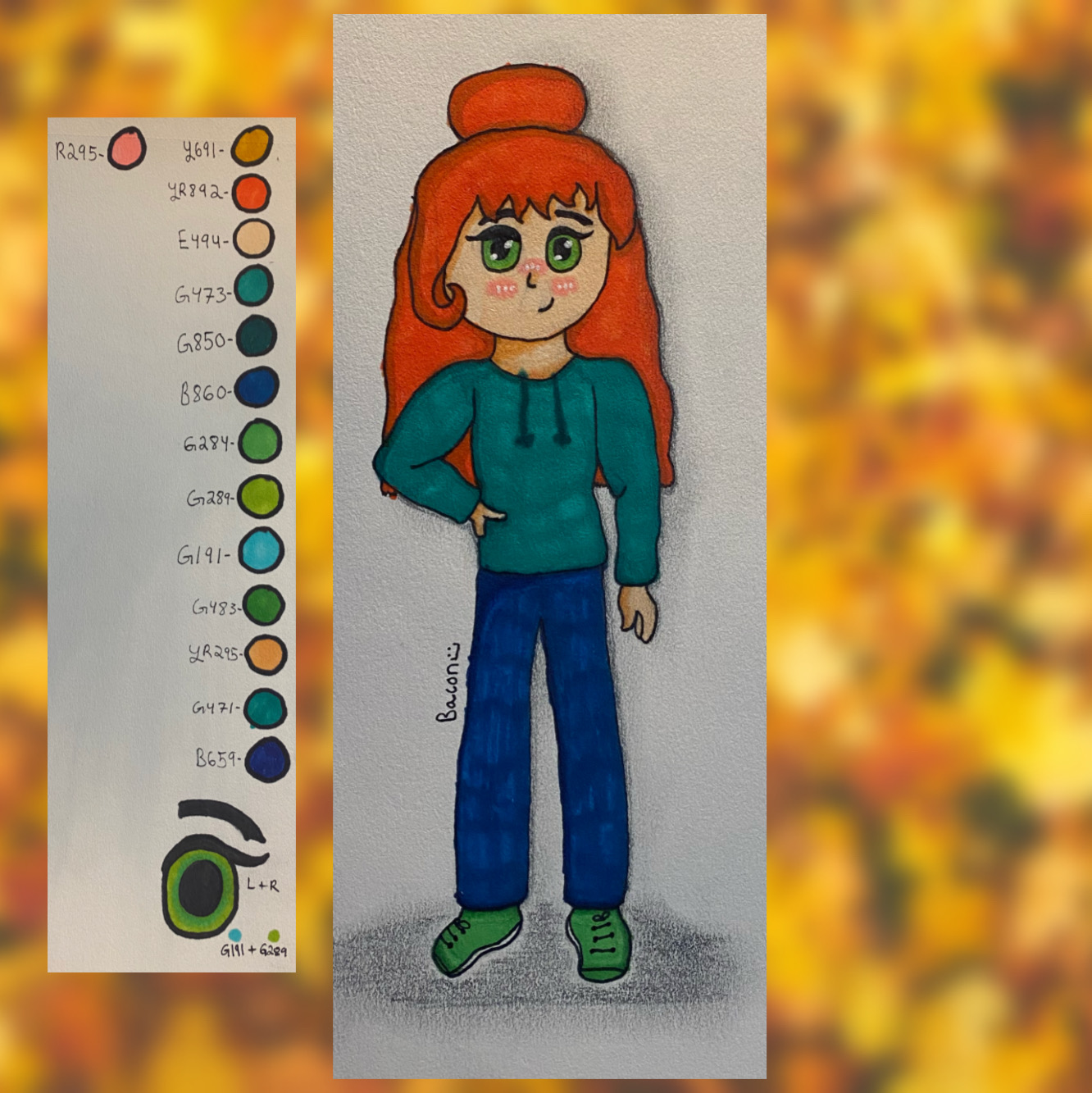

Step-by-step guide to create a #Wednesday fan edit poster or short video
CREATIVE WRITING LESSONS | Nine Fun Activities for Kids
Step 1
Pick a Wednesday mood and a short story idea for your fan edit like spooky mystery or quiet detective day.
Step 2
Choose whether you will make a poster or a short video for your fan edit.
Step 3
Lightly sketch the main scene layout and where your characters or stickers will go on the paper.
Step 4
Draw your Wednesday-inspired character poses and props with your pencil.
Step 5
Color your drawings using your coloring materials.
Step 6
Cut out any printed safe images or magazine pictures you want to add.
Step 7
Arrange your drawings stickers and cutouts on the paper until the layout looks right.
Step 8
Glue the arranged pieces onto the paper to finish your poster base.
Step 9
Ask an adult to help you take clear photos or short video clips of your poster and drawings to use in your edit.
Step 10
Open the kid-friendly editing app and start a new project.
Step 11
Import the photos or clips into the editing app project.
Step 12
Trim one clip or crop a photo to make the main scene stronger.
Step 13
Add a short title text that tells your story in one line.
Step 14
Add one kid-friendly music track or fun sound effect to set the mood.
Step 15
Ask an adult to help you upload and share your finished #Wednesday fan edit on DIY.org
Help!?
What can we use if we don't have a kid-friendly editing app, printed safe images, or stickers?
Use your device's built-in photo editor or a free web editor instead of a kid-friendly editing app, draw and cut your own images in place of printed safe images or magazine pictures, and use tape or glue sticks if you can't find stickers.
My photos of the poster came out blurry—what should we do?
As the instructions say to ask an adult for help, have an adult steady the camera, use bright indirect light, take multiple shots from different angles, and import the sharpest photo or clip into the editing app to trim or crop.
How can we adapt this activity for younger or older kids?
For younger kids, simplify by making a poster with pre-cut images, stickers, and basic coloring and skip the editing app, while older kids can make a short video, import multiple clips, trim them, add title text and music, and try simple transitions in the editing app.
How can we enhance or personalize our #Wednesday fan edit?
Personalize your project by choosing a specific Wednesday mood for your one-line title, recording a short voiceover or sound effect when photographing scenes, layering cutouts for depth on the poster, or creating multiple photographed scenes to stitch into a longer video before uploading.
Watch videos on how to create a #Wednesday fan edit poster or short video
✏️🌈 What is Creative Writing? | Creative Writing Prompts for Kids | Twinkl USA
3 Videos
✏️🌈 What is Creative Writing? | Creative Writing Prompts for Kids | Twinkl USA
10 Fun Writing Activities for Kids: Creative Exercises to Improve Writing SKills
Creative Writing for Kids | 7 Tips
Facts about kid-friendly digital storytelling and fan art
🕷️ Wednesday Addams began as a cartoon character created by Charles Addams and has been spooky-famous since the 1930s.
🎬 The Netflix series "Wednesday" (2022) blends mystery, comedy, and teen drama—and became one of Netflix's most-watched shows soon after release.
✨ Fan edits and fan art are fun ways fans remix characters into new stories and practice storytelling and editing skills.
🎨 Kid-friendly editing apps like CapCut, iMovie, and InShot let you combine drawings, stickers, and music to make short videos.
🖤 Wednesday's simple signature look—braided hair and a black dress—makes an instantly recognizable style you can recreate in posters or videos.
How do I create a Wednesday Fan Edit poster or short video?
What materials do I need to make a Wednesday Fan Edit?
What ages is a Wednesday Fan Edit activity suitable for?
What safety tips should I follow when kids make a Wednesday Fan Edit?
