Produce a Gacha Skit for #DIYLeague w/ CrooningWithAnisha & ParkerBradbury
Create a short Gacha skit starring CrooningWithAnisha and ParkerBradbury, plan dialogue, pose characters, add music, then record and share safely.


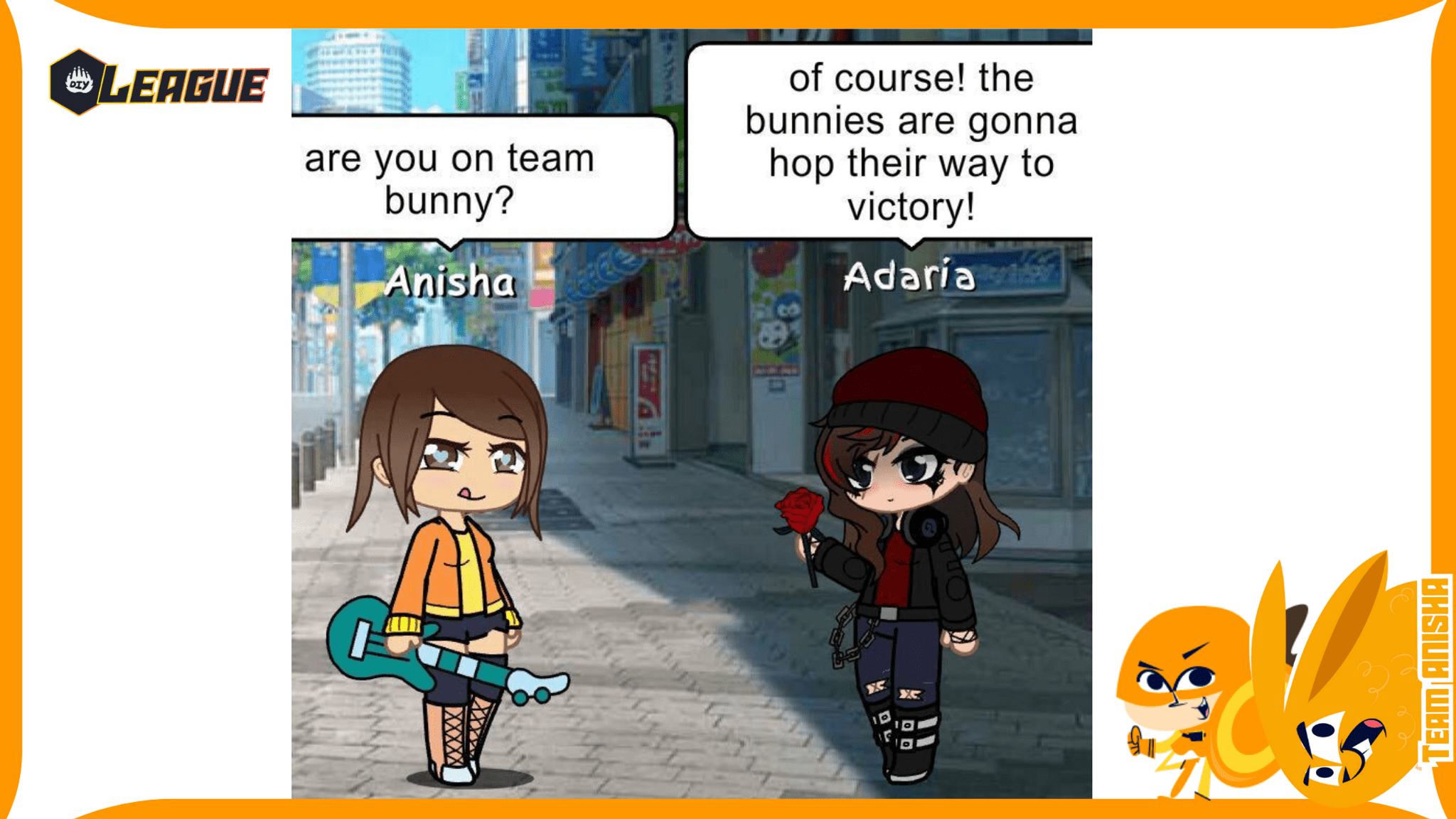

Step-by-step guide to produce a Gacha skit for #DIYLeague with CrooningWithAnisha & ParkerBradbury
How to Make Gacha Videos | Gachaverse Skit
Step 1
Open your Gacha app.
Step 2
Create a character and name it CrooningWithAnisha.
Step 3
Create a second character and name it ParkerBradbury.
Step 4
Choose a background and place both characters where you want the scene to start.
Step 5
Write a short 30 to 60 second script on your paper with a clear beginning middle and end.
Step 6
For each line in your script pick a pose for the speaking character in the app.
Step 7
Add a music track to your scenes by choosing a royalty-free song or a built-in music clip.
Step 8
Preview your scenes to check that the poses match the words and the music timing feels right.
Step 9
Make small pose or timing fixes inside the app if anything feels off.
Step 10
Ask an adult for permission to record and post your skit.
Step 11
Record your skit while playing it in the app and speak the lines or use the app’s text-to-speech as you prefer.
Step 12
Trim or edit the recording if needed with your adult’s help to remove any mistakes.
Step 13
With an adult’s help share your finished Gacha skit on DIY.org and make sure your post follows privacy rules.
Help!?
What can we use if we don't have the Gacha app or a tablet/phone listed in the instructions?
If you don't have the Gacha app or a compatible device, use a similar character-maker like Gacha Club or an animation app, or make paper cutouts of CrooningWithAnisha and ParkerBradbury and record them on a chosen background while following the same script and pose steps.
What should we do if the poses don't match the lines or the music timing feels off during preview?
If poses don't match the words or the music timing during Preview, split long lines into shorter clips and use the app's timeline to nudge each scene's pose and the music start/end until the words, poses, and beats align.
How can we adapt this activity for younger children or older kids who want more challenge?
For younger children, shorten the script to 15–30 seconds, use the app's text-to-speech and bigger, simpler poses while an adult records and shares, and for older kids keep the 30–60 second script, record your own voice, add more poses and scenes, and handle trims and posting yourself.
What are some ways to extend or personalize our Gacha skit beyond the basic steps?
To personalize and extend the skit, design custom outfits for CrooningWithAnisha and ParkerBradbury, add original royalty-free music or sound effects to the music track, include subtitles for each line, and create extra beginning, middle, or end scenes before previewing and trimming for posting.
Watch videos on how to produce a Gacha skit for #DIYLeague with CrooningWithAnisha & ParkerBradbury
Skit Maker Tutorial | GachaLife | Carol's Films
4 Videos
Skit Maker Tutorial | GachaLife | Carol's Films
HOW TO MAKE A GACHA VIDEO! | GACHA LIFE BEGINNER TUTORIAL (2025)
Basic Tips on making a Gacha Movie!
How To Use the Skit Maker for Beginners | Gacha Life (READ PINNED COMMENT)
Facts about video creation and online safety for kids
🎮 Gacha Life is a dress-up and scene-making app where players pose anime-style characters to tell stories.
🎬 Short Gacha skits are hugely popular on YouTube and TikTok as bite-sized storytelling that fans love to remix.
🎤 Voice acting and lip-syncing are key skills for Gacha creators—good timing and expression sell a character!
🎵 Using royalty-free or creator-licensed music helps avoid takedowns and keeps your skit online.
🔒 Share safely: never show real names, addresses, or school info and use privacy settings when posting.
How do I create a short Gacha skit starring CrooningWithAnisha and ParkerBradbury for #DIYLeague?
What materials and apps do I need to make a Gacha skit with CrooningWithAnisha and ParkerBradbury?
What ages are suitable for creating and sharing a Gacha skit for #DIYLeague?
What safety tips and benefits should parents know before kids post a Gacha skit with CrooningWithAnisha and ParkerBradbury?
