Create a Lego Mythical Creature
Design and build your own Lego mythical creature using bricks, create movable parts, choose colors and features, then name and tell its origin story.


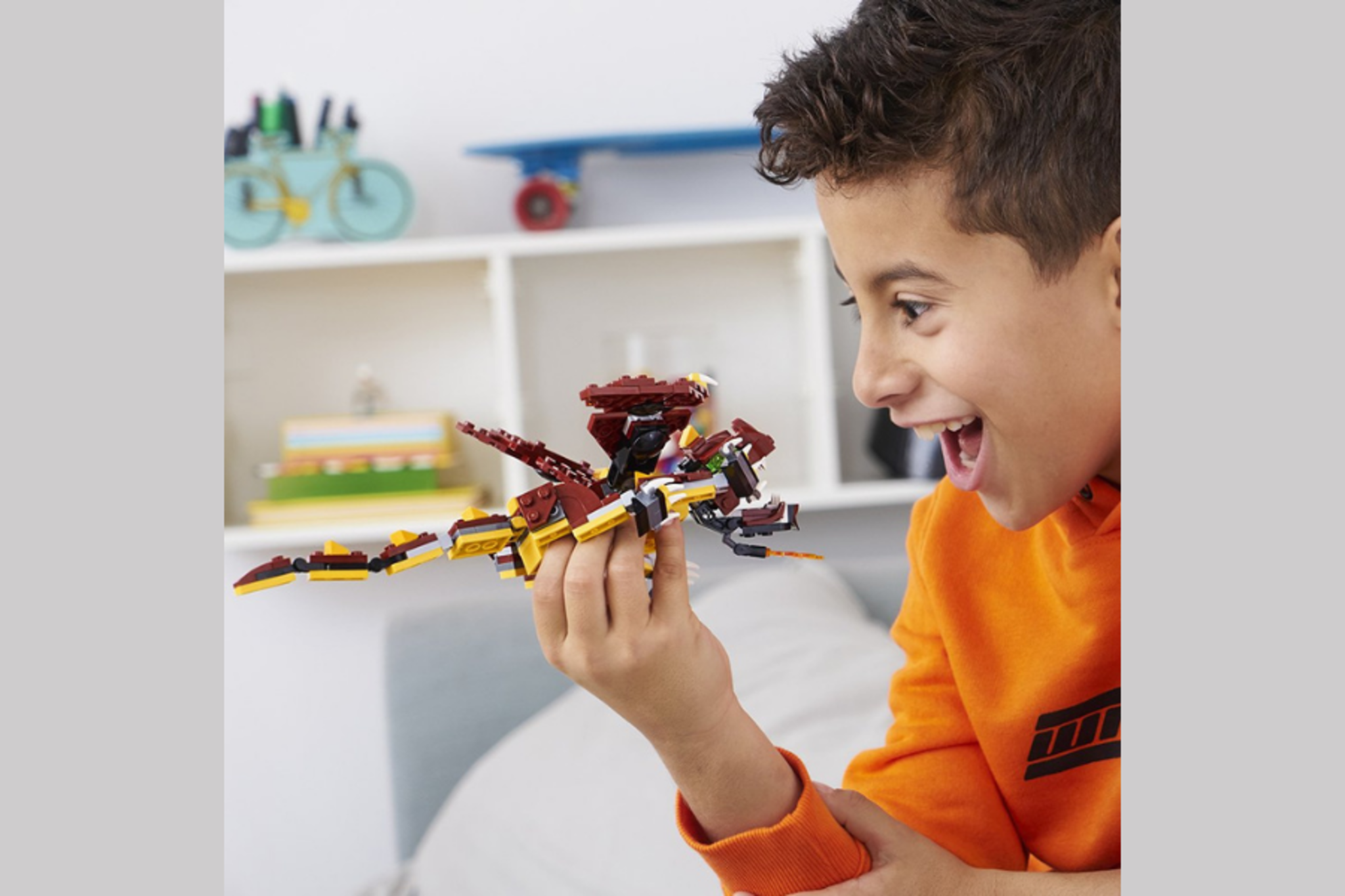

Step-by-step guide to create a Lego mythical creature
I built 13 creatures from MYTH and LEGEND in LEGO!
Step 1
Gather all your LEGO pieces paper and pencil and bring them to a clean flat table.
Step 2
Decide what kind of mythical creature you want to build.
Step 3
Draw a quick sketch of how your creature should look on the paper.
Step 4
Choose a main color palette for your creature using the LEGO bricks you have.
Step 5
Build a sturdy body base on the baseplate or on a flat surface.
Step 6
Build a head from bricks that matches your sketch.
Step 7
Attach the head to the body using plates or connector pieces.
Step 8
Make movable limbs or wings using hinge or technic joint pieces.
Step 9
Attach the movable limbs or wings to the body where they can move freely.
Step 10
Add small details like eyes gems scales horns or decorative tiles to bring your creature to life.
Step 11
Test each movable part and adjust any pieces until the movement is smooth.
Step 12
Give your creature a name and write its origin story on the paper.
Step 13
Share your finished creation on DIY.org
Help!?
What can we use if we don't have a LEGO baseplate, hinge pieces, or gem tiles?
If you don't have a baseplate use a large flat plate, cardboard, or a wooden board as the 'clean flat table' surface from step 1, substitute hinge or technic joint pieces with plates plus flexible tape or clips for movable limbs, and replace gem or decorative tiles with colored studs or stickers for the small details in step 9.
My creature's head keeps falling off when I attach it—how can I fix that?
Reinforce the head attachment by following step 6: add extra plates or connector pieces under the head, overlap bricks into the body base from step 5, or use longer studs/technic pins so the head stays secure while allowing movement.
How can I adapt this activity for younger or older kids?
For younger kids simplify steps 2–9 by using larger Duplo bricks, pre-drawn sketches, and big stickers for eyes and scales, while older kids can add complex hinge or technic joint mechanisms, refine a color palette in step 4, and write a longer origin story in step 11.
How can we enhance or personalize our Lego mythical creature beyond the basic build?
Enhance it by embedding small LED lights in the head or body, motorizing wings with a hobby motor attached to technic pieces, painting or customizing decorative tiles for unique scales and horns, and building a themed display base plus a detailed origin story to share on DIY.org as in step 12.
Watch videos on how to create a Lego mythical creature
I Built Every Mythical Creature Monster Out of LEGO - It's Epic! | AM Bricks Galaxy
3 Videos
I Built Every Mythical Creature Monster Out of LEGO - It's Epic! | AM Bricks Galaxy
LEGO Zoonomaly: How to Build Every Monster
Behind The Build: How to Build a Custom Lego Dragon
Facts about Lego building and design for kids
🧱 The LEGO brick's clutch power design was patented in 1958 — that's why pieces snap together so well!
🧍♂️ The LEGO minifigure debuted in 1978 and since then has appeared alongside millions of custom creations.
🐉 Dragons are one of the world's most popular mythical creatures, showing up in stories from Europe to East Asia with very different roles.
🐎 Pegasus is the famous winged horse from Greek myth, said to have sprung from Medusa's blood — great inspiration for mixing body parts!
🔩 You can add real movement to your creature using LEGO Technic pins, hinge bricks, or ball joints for flapping wings and bending legs.
How do you create a Lego mythical creature?
What materials do I need to make a Lego mythical creature?
What ages is this Lego mythical creature activity suitable for?
What are the benefits of building Lego mythical creatures?
