Make a Gacha Video With Uni4horn
Create a short Gacha video featuring Uni4horn by designing characters, planning a simple scene, recording clips, adding music, and editing into a final video.
About this activity
Create a short Gacha video featuring Uni4horn by designing characters, planning a simple scene, recording clips, adding music, and editing into a final video.
What you need
Step by step
- 1
Step 1
Open your Gacha app so you can start creating.
- 2
Step 2
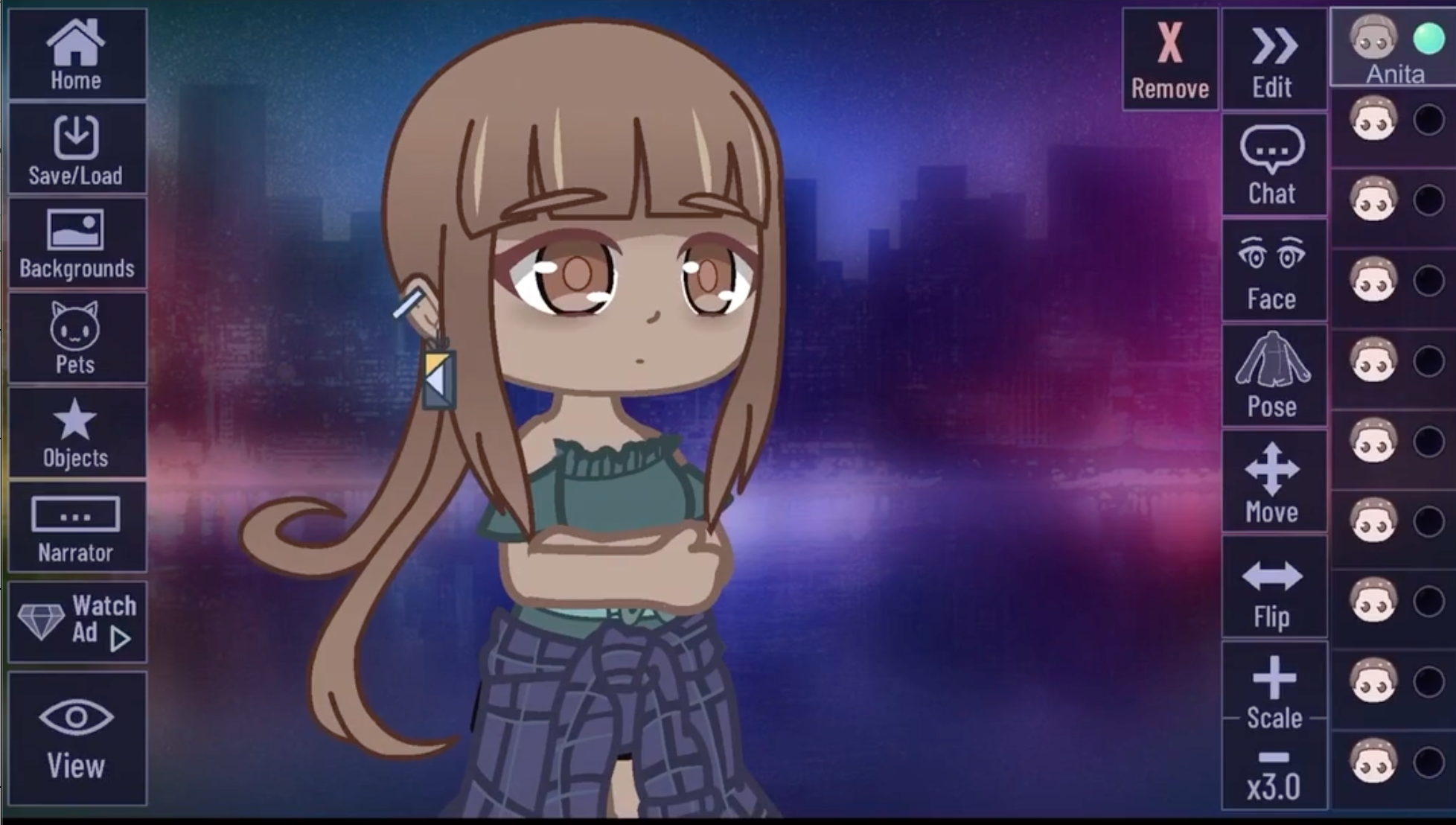
Design Uni4horn by choosing colors outfit horn style and a fun name.
- 3
Step 3
Create one supporting character with a different look to play with Uni4horn.
- 4
Step 4
Pick a background and any props inside the app for your scene.
- 5
Step 5
Write a very short 2 line script on paper that says what happens in the beginning and end.
- 6
Step 6
Set poses and facial expressions for your characters for the first moment of the script.
- 7
Step 7
Use your device screen recorder to capture that posed moment as a short clip.
- 8
Step 8
Change poses for the next moment of the script so the story continues.
- 9
Step 9
Record the next short clip with the screen recorder.
- 10
Step 10
Open your video editor app on your device to start putting clips together.
- 11
Step 11
Import the recorded clips into the editor so they are ready to edit.
- 12
Step 12
Trim each clip to keep only the best moments of your scenes.
- 13
Step 13
Add your copyright free music track into the editor and then adjust the volume so the music sounds good with the clips.
- 14
Step 14
Export and save your finished video file.
- 15
Step 15
Share your finished creation on DIY.org
Fun facts
How do you make a short Gacha video with Uni4horn?
Start by designing Uni4horn and other characters in your Gacha app, choosing outfits and poses. Plan a simple scene or storyboard (one to four shots). Use the Studio mode to arrange characters, set backgrounds, and record short clips (5–15 seconds). Export clips to a video editor, add royalty-free music, simple transitions, and captions. Trim for pacing, adjust audio levels, preview, then export the final video for private sharing or saving.
What materials and apps do I need to make a Uni4horn Gacha video?
You’ll need a phone or tablet, a Gacha app (Gacha Life/Club/Studio) to create Uni4horn, and a basic video editor (CapCut, VN, iMovie) for stitching clips. Optional items: a simple storyboard or script, headphones, an external mic for voiceovers, royalty-free music sources, and enough storage space. Parents may also want to set up parental controls and check app permissions before downloading.
What ages is making a Uni4horn Gacha video suitable for?
This activity suits children about 7–14 years old. Younger kids (7–9) will enjoy character design and need adult help with recording and editing. Older kids (10–14) can plan scenes, record clips, and edit with some independence. Adjust complexity to the child’s reading and fine-motor skills, and always supervise online interactions, downloads, and any uploads to ensure a safe experience.
What safety tips should parents follow when kids make Uni4horn Gacha videos?
Keep personal info out of videos and captions, set all accounts to private, and review content before sharing. Turn off comments or restrict sharing to family/friends. Use royalty-free music to avoid copyright issues and monitor in-app purchases. Limit screen time, teach respectful content creation, and make sure downloads come from official app stores. Parental supervision during editing and uploading helps keep the project safe and fun.
Watch & Learn
Need help?
What can I use if I can't find a screen recorder, video editor, or copyright-free music?
If your device lacks a built-in screen recorder or editor, install a free screen recorder (e.g., AZ Screen Recorder) to 'Use your device screen recorder', a free editor like CapCut or iMovie to 'Open your video editor app', and download tracks from the YouTube Audio Library to use as your 'copyright free music track'.
My recordings have notifications or the Gacha app lags—how do I fix that?
If your clips show notifications or lag while you 'Set poses and facial expressions' and 'Use your device screen recorder', turn on Do Not Disturb, close other apps, and do a quick test recording to confirm clean short clips before you save them.
How can I adapt this activity for different ages?
For younger kids, an adult can help 'Design Uni4horn', write the 'very short 2 line script on paper', and handle screen recording and 'Import the recorded clips', while older kids can independently 'Trim each clip', adjust the 'copyright free music track' volume, and add edits in the video editor.
What are some ways to improve or personalize the finished video?
To enhance your story before you 'Export and save your finished video file', add a short voiceover, on-screen captions, extra supporting characters or props from the app, and creative transitions in your video editor.