Record a Story for DIY Podcast
Choose or write a short story, practice reading it aloud, record with a smartphone, add simple sound effects, and make a podcast episode.


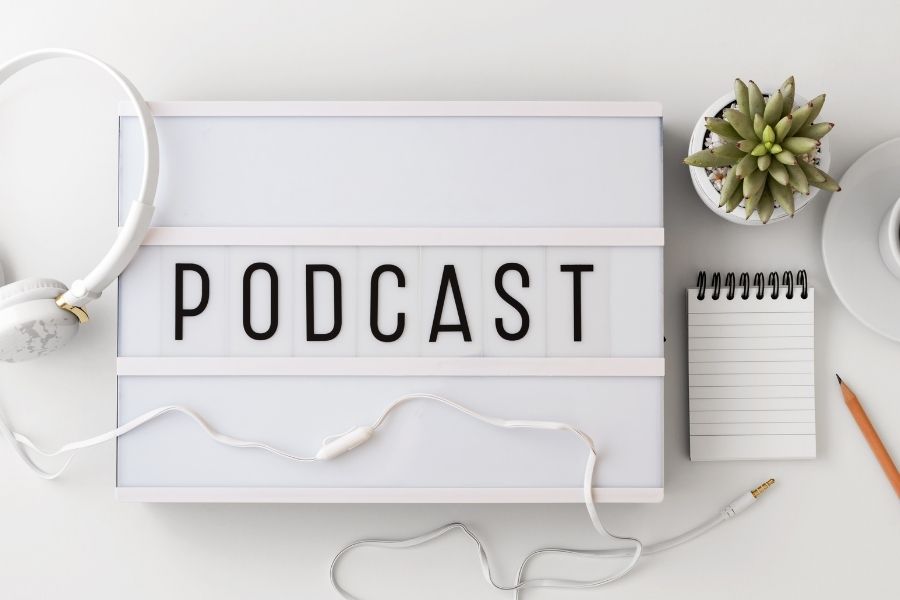

Step-by-step guide to record a story for a DIY podcast
Step 1
Choose an existing short story you like or write a new short story on a sheet of paper.
Step 2
Read the story silently once to understand the characters and the plot.
Step 3
Use a pencil to underline places where you want to use different voices or add sound effects.
Step 4
Practice reading the story aloud two times focusing on voices and how fast or slow you speak.
Step 5
Gather three simple props from around the house to make sound effects for your story.
Step 6
Practice making each sound effect at the right moment while you read the story aloud.
Step 7
Find a quiet spot in your home to record with as little background noise as possible.
Step 8
Open the voice recording app on your device and get it ready to record.
Step 9
Make a short test recording by saying your name and one sentence from the story.
Step 10
Play the test recording back to check the volume and any background noise.
Step 11
Record your full reading of the story while performing your sound effects and using character voices.
Step 12
Use a simple audio editing app to trim any mistakes and join clips so the episode sounds smooth.
Step 13
Share your finished podcast episode on DIY.org
Help!?
If we don't have a smartphone or tablet with a voice recording app, what can we use to record the podcast?
Use a laptop or desktop with a built-in microphone or a basic handheld voice recorder to complete the 'Open the voice recording app on your device' and 'Make a short test recording' steps.
My recordings keep picking up background noise—what troubleshooting steps should we follow?
Follow 'Find a quiet spot in your home', make the short test recording saying your name and one sentence, then try closing windows, turning off noisy appliances, or recording with soft blankets around the device to reduce background noise before you 'Record your full reading'.
How can we adapt the activity for younger children or older kids?
For younger children pick a picture-heavy short story on a sheet of paper and let an adult handle the app while the child practices voices and uses one simple prop, and for older kids have them write a new short story, practice multiple times, gather three props for layered sound effects, and edit with a simple audio editing app.
What are some ways to enhance or personalize our episode before sharing on DIY.org?
Use the simple audio editing app to trim mistakes, add a short intro/outro or background music, layer your three props as sound effects for key moments, and create a hand-drawn cover image to upload when you 'Share your finished podcast episode on DIY.org'.
Watch videos on how to record a story for a DIY podcast
Podcasting
4 Videos
Podcasting
How To Become A Podcaster

12 Podcasts that Changed My Life
Phil Lester - Podcast tips with CBBC's Technobabble
Facts about podcasting and audio storytelling for kids
🎙️ The word "podcast" is a mash-up of "iPod" and "broadcast" and was coined in 2004.
🗣️ Storytelling is ancient—people shared stories out loud for tens of thousands of years to teach, remember, and entertain.
🎧 There are millions of podcast episodes worldwide, covering almost every topic you can imagine.
🐴 Foley artists use unexpected props—classic films used coconut shells to mimic horse hooves.
📱 A modern smartphone plus a quiet room and a free recording app can make great-sounding podcasts at home.
How do I record a story to make a DIY podcast with my child?
What materials and apps do I need to record a story podcast at home?
What ages are suitable for recording a story podcast with kids?
What are the benefits of having my child record a story podcast?
