Describe any sidekicks you'll animate
Design and animate a friendly sidekick character using paper puppets or simple stop-motion with a smartphone; practice storytelling, movement, and timing.


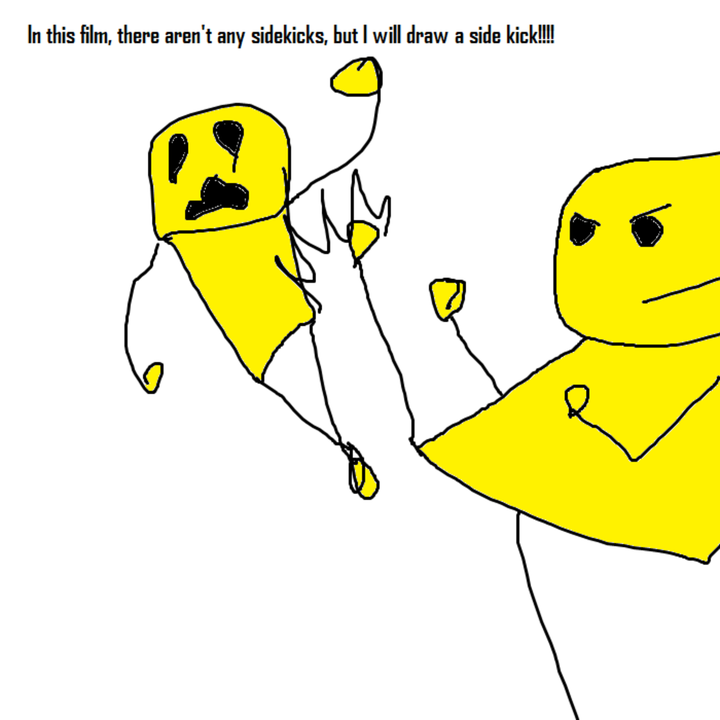

Step-by-step guide to design and animate a friendly sidekick character
Meet the Disney Princess Sidekicks in Real Life! 🐯🐷🐭💚 | @natgeokids
Step 1
Pick a fun name for your sidekick and write three words that describe their personality.
Step 2
Choose whether you will make a handheld paper puppet or flat cutouts for stop-motion animation.
Step 3
Draw the sidekick’s main body shape on paper and draw separate arms and legs if you want moving parts or stop-motion pieces.
Step 4
Draw a big expressive face and any accessories that show their personality like a hat cape or backpack.
Step 5
Color your sidekick bright and bold so their feelings read clearly on camera or on stage.
Step 6
Carefully cut out the body and any separate limb or accessory pieces using scissors.
Step 7
If you made a handheld puppet attach a craft stick or straw to the back with tape or glue so you can hold it.
Step 8
If you made moving limbs poke tiny holes and connect arms and legs with brad fasteners or paperclips so they can swing.
Step 9
If you are doing stop-motion set your sidekick on a flat stage and, with an adult’s help, take lots of photos moving the pieces a tiny bit between each shot.
Step 10
If you made a handheld puppet practice a short 10 to 20 second scene moving the puppet to match the personality words you wrote.
Step 11
Share a photo or video of your finished sidekick and their best scene on DIY.org
Help!?
What can we use instead of brad fasteners or a craft stick if we can't find them?
If you don't have brad fasteners, use straightened paperclips threaded through tiny punched holes and secured with tape or a small bead, and substitute a sturdy straw, wooden spoon handle, or popsicle stick for the 'attach a craft stick or straw' step to hold the puppet.
My puppet's arms won't swing smoothly after I attach them—what should I check or change?
If the arms don't swing freely after connecting with brads or paperclips, slightly enlarge the punched holes, avoid tightening the fastener all the way, and add a tiny ring of tape between the paper layers to reduce tearing and friction so limbs can swing.
How can I adapt this project for younger kids or make it more challenging for older kids?
For younger kids simplify by making flat cutouts and taping a craft stick for a handheld puppet to practice a 10–20 second scene, while older kids can cut separate limbs, use brad joints, design detailed accessories like a backpack or cape, and create stop-motion on a flat stage with many photos.
What are some ways to extend or personalize the sidekick after we've finished the basic puppet or stop-motion?
To enhance the finished sidekick, sew or glue small fabric pieces or sequins onto accessories like a hat or cape, add a tiny LED behind the puppet for camera effects, record voice lines that match the three personality words, and build a miniature backdrop for sharing a polished scene on DIY.org.
Watch videos on how to design and animate a friendly sidekick character
How to draw and animate a Stickman | @flipaclip Tutorial
4 Videos
How to draw and animate a Stickman | @flipaclip Tutorial
What Does it Take to Be an Animal Sidekick?! 🐯🐭 | Disney Princess 💖 | @disneykids
Create modular characters using Sidekick Character Creator for Unity (Tutorial) by #SyntyStudios
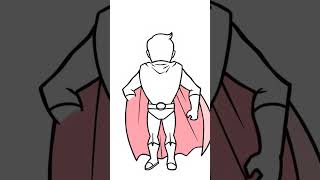
How to draw a superhero sidekick guide
Facts about stop-motion animation for kids
🎬 Stop-motion films can require thousands of photos — at 24 frames per second, one minute is 1,440 frames!
📱 Many smartphone apps include onion-skinning so you can line up paper-puppet poses one frame at a time.
✂️ Paper puppets are a quick, low-cost way to build characters — kids can cut, color, and swap parts in minutes.
🐶 Great sidekicks often have one clear trait (funny, brave, clever) that makes them easy to recognize and animate.
⏱️ Timing changes character: more frames = smoother, heavier motion; fewer frames = snappier, lighter action.
How do I guide my child to design and animate a friendly sidekick using paper puppets or simple stop-motion with a smartphone?
What materials and apps do we need to make a paper puppet or simple stop-motion sidekick animation with a smartphone?
What ages is designing and animating a sidekick suitable for, and how much adult help is needed?
What are the benefits of designing and animating a sidekick for my child's development?
