Make Your Own Cartoon!
Create a short hand drawn cartoon by designing characters, drawing sequential frames, adding simple dialogue, and making a flipbook or stop motion animation to share.


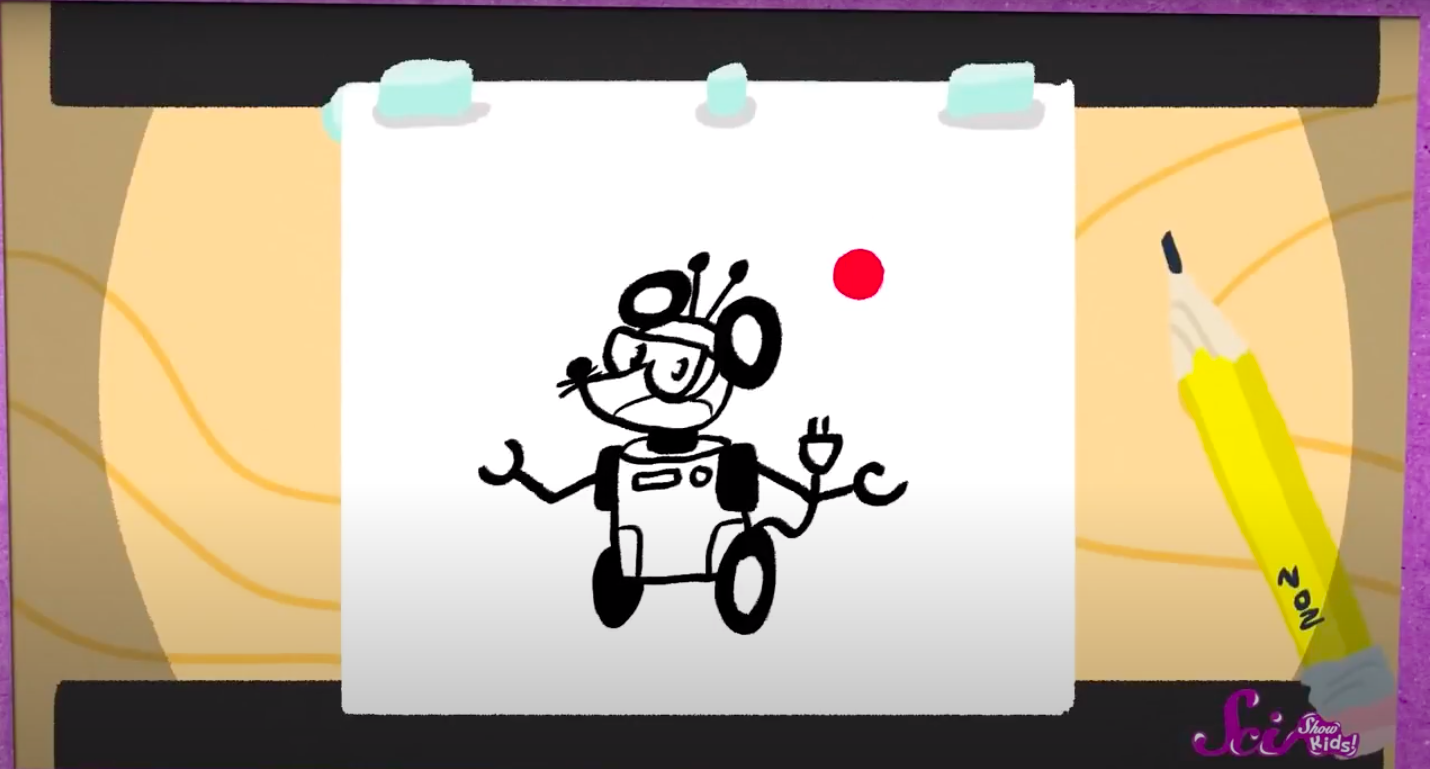

Step-by-step guide to make your own cartoon
Step 1
Think of a short funny idea or simple story for your cartoon and write one sentence that describes it.
Step 2
Draw two main characters on a sheet of paper and give each character a name and one word that describes them.
Step 3
Sketch a simple three-box storyboard showing the beginning middle and end of your idea.
Step 4
Decide how many frames you want (pick a number between 6 and 20) and write that number on your storyboard.
Step 5
Choose whether to make a flipbook or a stop-motion animation and circle your choice on the page.
Step 6
If you chose flipbook prepare a neat stack of equal-size small papers or index cards; if you chose stop-motion cut out your characters and background pieces from paper so they can move.
Step 7
On the first paper draw the first scene in pencil showing your characters in their starting pose.
Step 8
Draw each next frame on a new sheet making small changes in each drawing so the motion will look smooth until you reach your planned number of frames.
Step 9
Trace over your pencil lines with a black pen to make the drawings bold and wait for the ink to dry.
Step 10
Add color to your drawings using your coloring materials and let the colors dry if needed.
Step 11
If you made a flipbook stack and secure the pages along one short side with a staple rubber band or tape and test the flip; if you made stop-motion ask an adult to help you take one photo per small movement and assemble the photos into a short animation.
Step 12
Share your finished cartoon on DIY.org.
Final steps
You're almost there! Complete all the steps, bring your creation to life, post it, and conquer the challenge!

Help!?
What can we use instead of index cards or staples if we don't have them?
If you don't have index cards, cut regular printer paper into equal small rectangles and use a binder clip or strong tape along the short side instead of a staple to secure the flipbook.
My flipbook looks jerky — how can I make the motion smoother?
Make sure each next frame (step 'Draw each next frame') changes only slightly by using a light pencil and tracing the previous frame on a window or tablet to keep poses consistent, then test the flip before inking.
How can I adapt this activity for younger or older kids?
For younger kids choose 6 frames, use stickers or pre-cut characters and have an adult help with cutting and stapling, while older kids can pick 15–20 frames, add dialogue bubbles and assemble stop-motion photos into a video with an editing app.
How can we make our cartoon more polished or unique?
Add layered paper backgrounds for depth when you cut out characters, use a consistent color palette when you 'Add color', record simple sound effects or narration to overlay when assembling stop-motion photos, and then upload the finished clip to DIY.org.
Watch videos on how to make your own cartoon
Easy Canva Tutorial - Create Your Own Cartoon Characters
4 Videos
Easy Canva Tutorial - Create Your Own Cartoon Characters
Make your own kids Animated Story with AI - A Simple Step by Step Guide

How to Make Kids 3D - Animated Stories Video | Fast, Easy and Free
How to Make Your Own Comic | Toontorial | @cartoonnetworkuk
Facts about cartooning and simple animation
✏️ Animators use “onion skinning” to faintly view earlier frames so movements in a sequence stay smooth.
🎞️ Fantasmagorie (1908) by Émile Cohl is often called one of the first entirely hand-drawn cartoons.
🎨 Most animated films play at 24 frames per second — that's 24 drawings for every second of movie!
🧩 Stop-motion animation moves real objects a tiny bit between photos — early movies like King Kong (1933) used it to bring creatures to life.
📚 The flip book was patented as the “kineograph” in 1868 by inventor John Barnes Linnett.
How do I make a short hand-drawn cartoon at home?
What materials do I need to create a hand-drawn cartoon or flipbook?
What ages is making your own cartoon suitable for?
What are the benefits and safe tips for kids making cartoons?



One subscription, many ways to play and learn.
Only $6.99 after trial. No credit card required