Rehearse a song at your venue
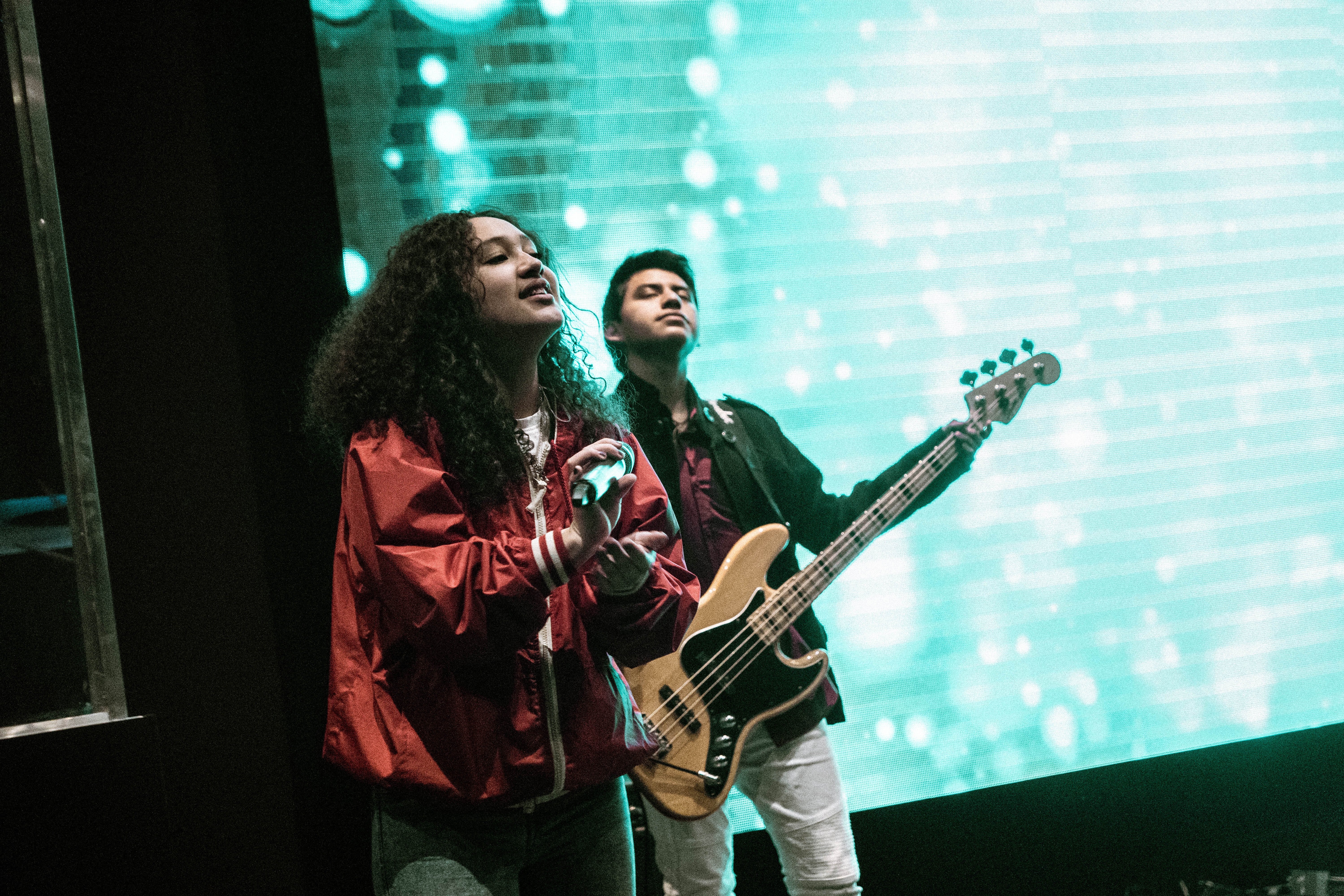
Practice performing a favorite song at your venue: set up instruments, run through verses and chorus, check volume, and refine stage movements.


Step-by-step guide to rehearse a song at your venue
Step 1
Pick your favorite song to rehearse.
Step 2
Choose which instruments you will play and who will help if anyone joins.
Step 3
Clear a performance area in your venue so you have space to move.
Step 4
Place your chair or music stand where you will perform.
Step 5
Set up each instrument at the spot you will use.
Step 6
Tune each instrument so they sound right.
Step 7
Put the microphone and speaker near your performance spot.
Step 8
Turn on the speaker and set it to a low volume.
Step 9
Run through the song slowly verse by verse to practice melody and words.
Step 10
Mark two or three places on the floor with tape and walk your stage route without singing.
Step 11
Perform the whole song with full energy to check timing and balance.
Step 12
Make one small change you noticed like singing louder in the chorus or moving one step differently.
Step 13
Share your finished performance on DIY.org.
Help!?
What can we use if we don't have a microphone or speaker?
If you don't have a microphone and speaker, place your phone on speaker mode or a Bluetooth speaker near your performance spot to substitute for 'Put the microphone and speaker near your performance spot' and still 'Turn on the speaker and set it to a low volume'.
What should we do if the instruments or sound balance don't work during rehearsal?
Tune each instrument with a tuner app before you 'Run through the song slowly verse by verse', keep the speaker at a low volume while testing, and adjust positions during the 'Perform the whole song with full energy to check timing and balance' step to fix tuning or balance problems.
How can this rehearsal be adapted for younger children or older kids?
For younger children, choose a short familiar song, use one instrument and an adult to help set up the chair/music stand and tape marks and have them 'walk your stage route without singing', while older kids can add harmonies, move between two or three taped marks, and experiment with 'Make one small change' like a louder chorus.
How can we extend or personalize the performance before sharing it?
Add simple choreography at your taped marks, record the whole song with full energy on your phone, highlight the 'one small change' you made (like a chorus dynamic), and then edit or caption the video before you 'Share your finished performance on DIY.org'.
Watch videos on how to rehearse a song at your venue
Singing Lesson for Kids
4 Videos
Singing Lesson for Kids
3 Easy Steps to Improve Your Singing (TESTED)

Your FIRST Singing Lesson (Beginner Lesson from a REAL Vocal Coach)
How to Sing for Beginners: 7 Easy Tips to Start Now
Facts about music performance for kids
🎤 Many live singers prefer dynamic microphones (like the trusty SM58) because they handle loud sound and resist feedback.
🎧 A soundcheck is where musicians and engineers test levels — for big shows this can take from 30 minutes to over an hour.
🎚️ The mixing console is the sound engineer’s control center, letting them adjust volume, EQ, and effects for each instrument in real time.
🎭 'Stage left' and 'stage right' are always from the performer's perspective — not the audience’s.
📢 Practicing stage movements and where you stand helps performers connect with the audience, stay in frame, and feel less nervous.
How do I rehearse a song at my venue with my child?
What materials do I need to rehearse a song at my venue?
What ages is rehearsing a song at a venue suitable for?
What are the benefits and safety tips for rehearsing a song at a venue?
